Energetics Department Website - Wordpress
This website was developed for the Energetics Department of the Faculty of Electrical Engineering, Energetics and Applied Informatics (IEEIA) in Iași. It was built using a premium WordPress theme and fully customized to fit the department's identity and needs.
- Theme Customization: I adapted the premium theme layout, colors, typography and content structure to match the department’s branding and academic focus.
- Plugin Integration: I used and configured various plugins for improved functionality (e.g., contact forms, multilingual support, SEO optimization, and media management).
- Content Management: I organized and populated the site with information about staff, study programs, research activities, news, and events.
- Responsive Design: The website was optimized for all screen sizes, ensuring accessibility on both desktop and mobile devices.

Technology:
Link to project:
Personal Portfolio Website
This website showcases my professional background and front-end projects. It includes four main sections:
- Home: Features my photo, name, a brief introduction and social media links in the footer.
- About Me: Details my work experience, responsibilities and education, including a front-end course.
- Projects: Displays all my front-end applications with descriptions and links.
- Contact: Includes a contact form and access to my resume (CV).

Technology:
Link to project:
The Witcher - Wild Hunt
This project was developed by a team of four during the Web Development course at the Informal School of IT. Our chosen theme was "fantasy," and as fans of "The Witcher," we decided to create a web page centered around this game. My job was to create the "Characters" tab.

Technology:
Link to project:
Hangman Game
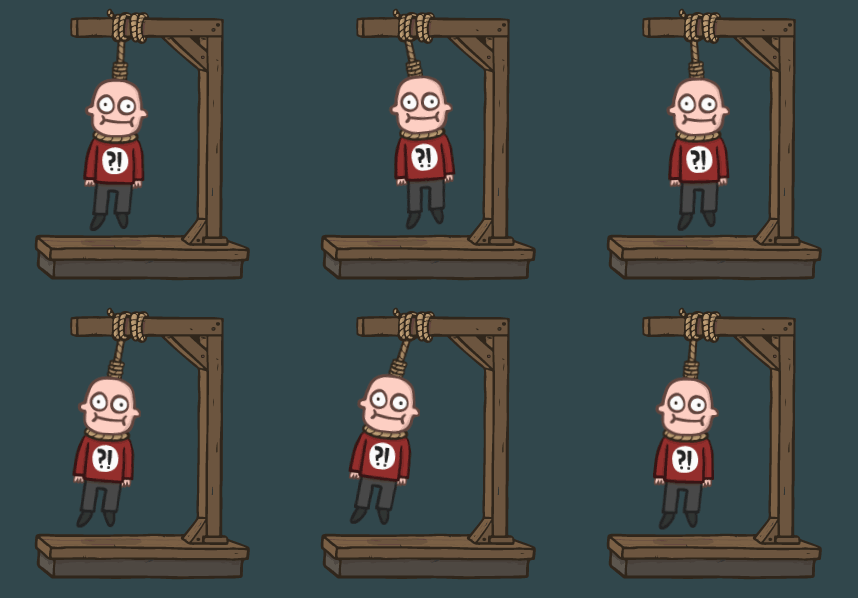
For the Front-End course graduation project, I recreated the classic Hangman game. This project targets a wide audience, from children to adults, offering a fun and educational experience for word game enthusiasts. Key features include:
- DOM Manipulation: JavaScript dynamically updates the page with the word to guess, incorrect guesses, a virtual keyboard, and the hangman image.
- Virtual Keyboard: Built using ASCII code, allowing users to click letters to guess the word.
- API Integration: Fetches word definitions to provide hints using the fetch().then() method.
Technology:
Link to project:
Retro calculator
This project marks my first step into front-end development, using HTML and CSS to create a Retro Calculator. The calculator features a nostalgic design and basic functionality. Features:
- Random Number Generation: Pressing the "Click me!" button generates and displays two random numbers on the screen.
- Basic Operations: Five buttons on the right perform addition, subtraction, multiplication, division, and squaring, with results displayed on the screen. This project allowed me to solidify my front-end skills and create a functional, visually appealing web application.
Technology:
Link to project: